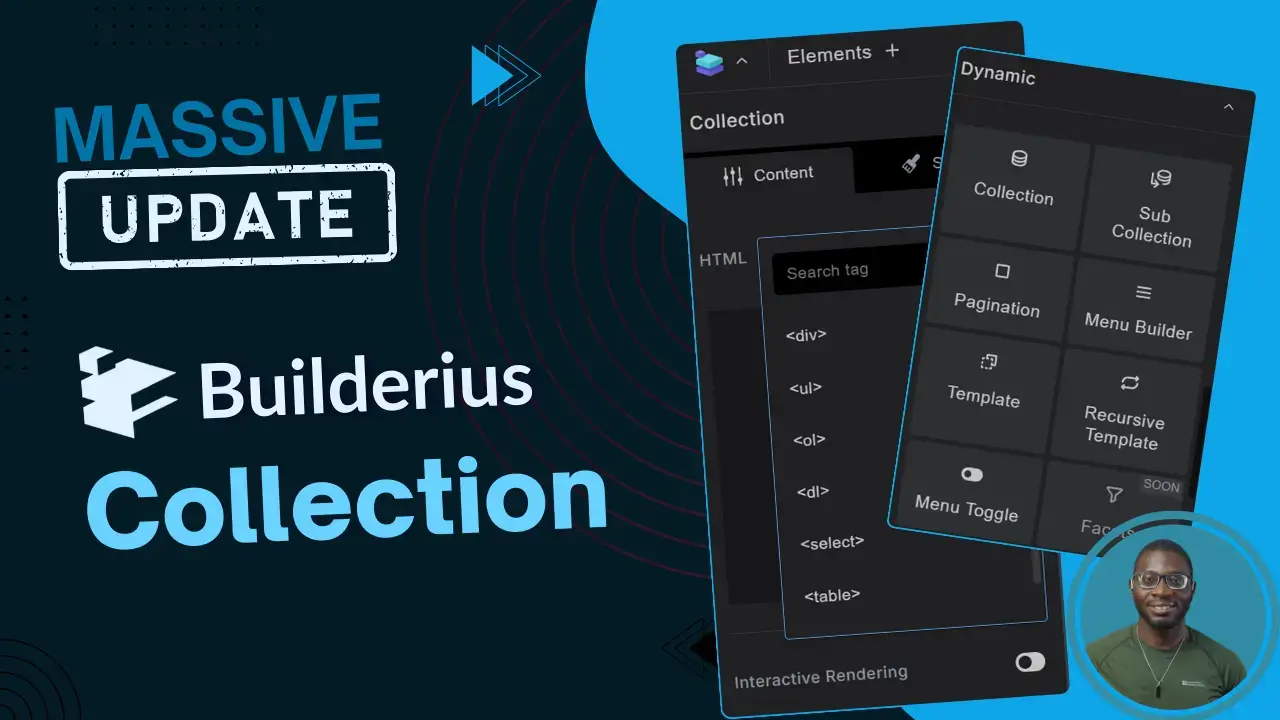
Massive Improvements to Builderius: A Sneak Peek into the Enhanced Collection Element
Introduction
The latest update to Builderius transforms the collection element—your core tool for query loops—into a leaner, more flexible component. Whether you are looping through WordPress posts, taxonomy terms, or external API data, these updates prioritise cleaner DOM output and developer autonomy.
Key improvements at a glance
They’ve moved away from restrictive presets towards a more “build anything” philosophy.
| Feature | What’s new? | Developer benefit |
|---|---|---|
| Custom HTML Tags | Support for tags like <select>, <table> or even <div> |
Semantic HTML and easier styling for forms/data sets. |
| Optional JSON | Source JSON is no longer compulsory in the HTML. | Reduced HTML output size |
| Visual Conditions | Built-in UI for logic within loops | No more messy workarounds using the template element to apply conditions. |
| Refined UI | A decluttered interface for the Template Element | Faster workflow with less visual noise. |
Handling complex data: nested & recursive loops
Handling deep data structures used to require “hacks”. They’ve now introduced two dedicated elements to solve this natively.
Sub collection element
- Best for: Nested arrays (an array within an array)
- Use case: Displaying a list of events where each event includes a sub-list of tags or speakers.
Recursive template element
- Best for: Data with unknown nesting depth
- Use case: Multi-level navigation menus or nested product categories
- How it works: You define one template; the element automatically repeats that structure for every level found in your data.
Practical Walkthrough: Creating a dynamic select field
The ability to use any HTML tag for the collection element means that you can now build functional form elements directly in the builder.
Here’s how you go about it:
- Add a collection element to the canvas.
- Set the HTML tag for the collection element to
<select> - Add a
divelement as a child of the template element. - Change the HTML tag for the div element to
<option> - Choose your dynamic data source for the collection element
- Bind your dynamic variables to the label and value of the
<select>field.
The Result: A fully functional data-driven dropdown menu with zero custom PHP required.
Ready to dive deeper?
Explore the Builderius Roadmap for upcoming features or catch our latest live stream replays for a hands-on demo.
Comments
No comments yet — be the first.
Leave a comment
Replying to .
Thanks — your comment is in
It's awaiting moderation and will appear after it's approved and the site is rebuilt.