Simple Steps to Improve Accessibility in Elementor
About the meetup
At the Elementor UK meetup on 25 September 2024, we explored web accessibility—what it is, why it matters, and how to improve it when building with Elementor.
Websites are part of everyday life. People use them to shop, manage their money, book tables, and travel. Because of this, your website should work for everyone, including people with disabilities.
Understanding web accessibility
Web accessibility means designing websites that everyone can use.
In the UK, around 16 million people were living with a disability in 2021–22. About 9 million of them needed support with accessibility. This includes people with vision, hearing, mobility, or cognitive difficulties.
Globally, around 1.3 billion people—about 1 in 6—live with significant disabilities.
The goal of web accessibility is to ensure that all users, regardless of ability, can perceive, understand, navigate, and interact with web content.
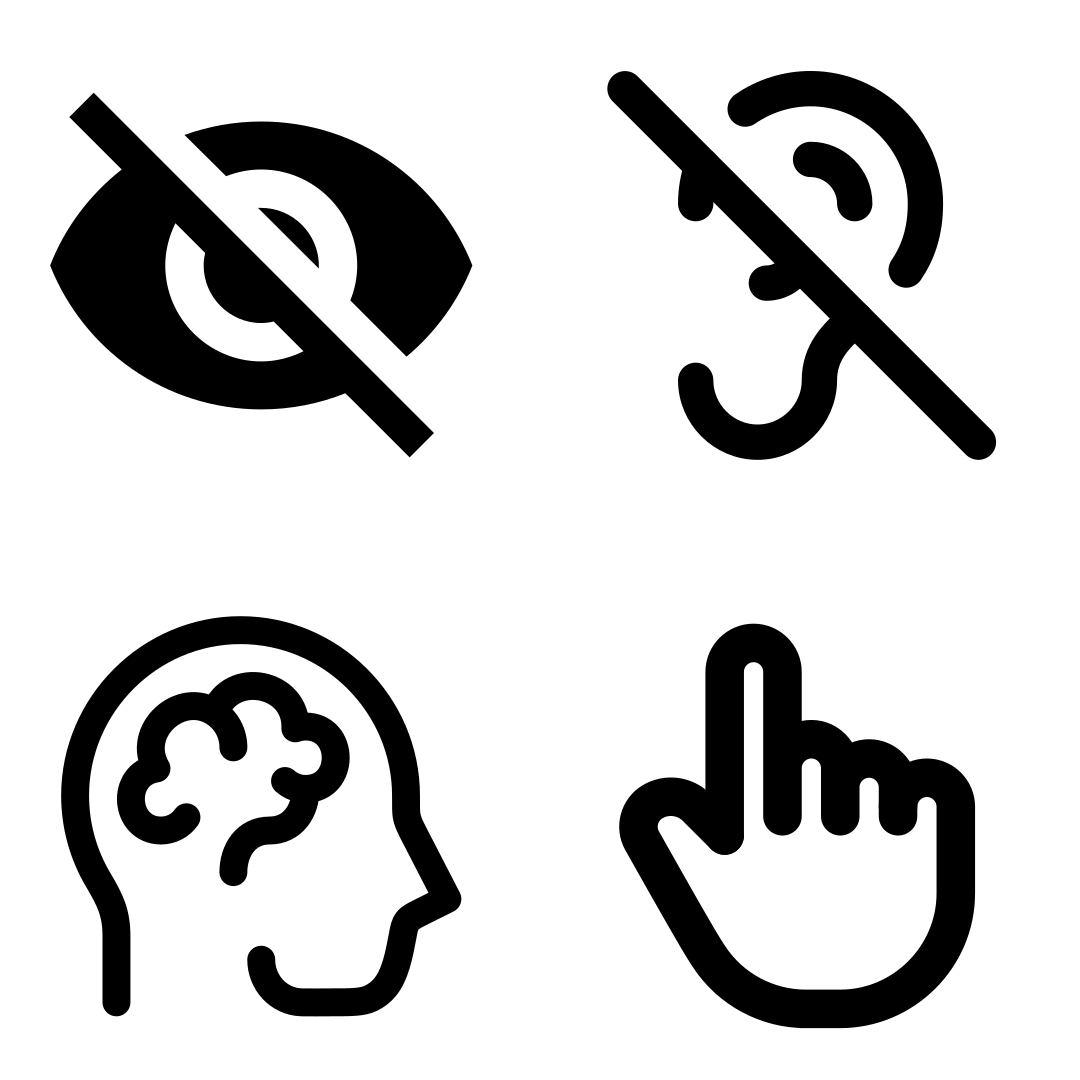
Types of disabilities to consider.
- Visual—blindness, low vision, colour vision deficiency
- Auditory—deaf or hard of hearing
- Motor—limited mobility or dexterity
- Cognitive—learning disabilities, ADHD, dyslexia
- Seizure and Vestibular—for example, photosensitive epilepsy
Not all disabilities are permanent. Some are temporary, such as a migraine, medication side effects, or an injury.
Others are situational. They happen when a user is in a situation that impairs their senses. For example:
- Using a phone in bright light impairs vision
- Being in a noisy café impairs hearing
- Pushing a buggy or shopping trolley impairs the use of the hands
- Travelling in a moving vehicle reduces dexterity.
At some point, most users experience temporary or situational barriers. Accessibility helps everyone.
The core principles of WCAG
The Web Content Accessibility Guidelines (WCAG) are based on four principles: POUR.
Perceivable
Users must be able to recognise and perceive content.
Key points:
- Text Alternatives—add alt text, captions and transcripts to media files.
- Time-based Media—provide alternatives for audio and video.
- Adaptable—responsive and semantic design to support different layouts without losing meaning.
- Distinguishable—Ensure good contrast, good quality media and readable content.
Operable
Users must be able to navigate and interact with your site.
If something looks clickable but does not work, it creates frustration.
Key points:
- Keyboard Accessible—all functionality works without a mouse. For example, navigable dropdown menus and functional form controls.
- Enough Time—allow users to read and complete tasks (at their own pace). For example, provide adjustable time limits and pausable content.
- Avoid harm—no flashing or harmful motion which can cause seizures or negative physical reactions.
- Navigable—Clear structure and consistent navigation.
- Input methods—support touch, keyboard, voice and other types of user inputs.
Understandable
Users must be able to understand both content and behaviour.
Key points:
- Readable—use plain language and avoid jargon
- Consistent—keep terminology and patterns predictable
- Predictable—avoid unexpected changes in behaviour
- Meaningful links—link text should describe the destination
- Input assistance—clear error notices and helpful guidance
- Inclusive language—avoid confusing or offensive wording; respect cultures.
Robust
Content must work across devices, browsers and assistive technologies.
Key points:
- Compatible—use valid HTML and appropriate ARIA
- Well structured—ensure clean, parseable markup
- Name, role, value—UI components must be properly defined
Improving accessibility in Elementor
During Global Accessibility Awareness Day (GAAD) 2024, Miriam Schwab (the Head of WordPress Relations at Elementor) reaffirmed Elementor’s commitment to accessibility.
With over 16 million websites using Elementor, improvements are ongoing.
Elementor’s current improvements
Recent updates include:
- Container layout for cleaner DOM and better responsiveness.
- Nested elements with improved semantic HTML (menus, accordions, tabs, etc.).
- Custom attributes support for links.
- Off-canvas widget as a more accessible alternative to popups.
- Skip links added to the Hello theme (with some known issues in Theme Builder templates).
If you find issues or have suggestions, you can report them to Elementor on GitHub
What you can do
Here are practical ways to improve accessibility in your Elementor sites.
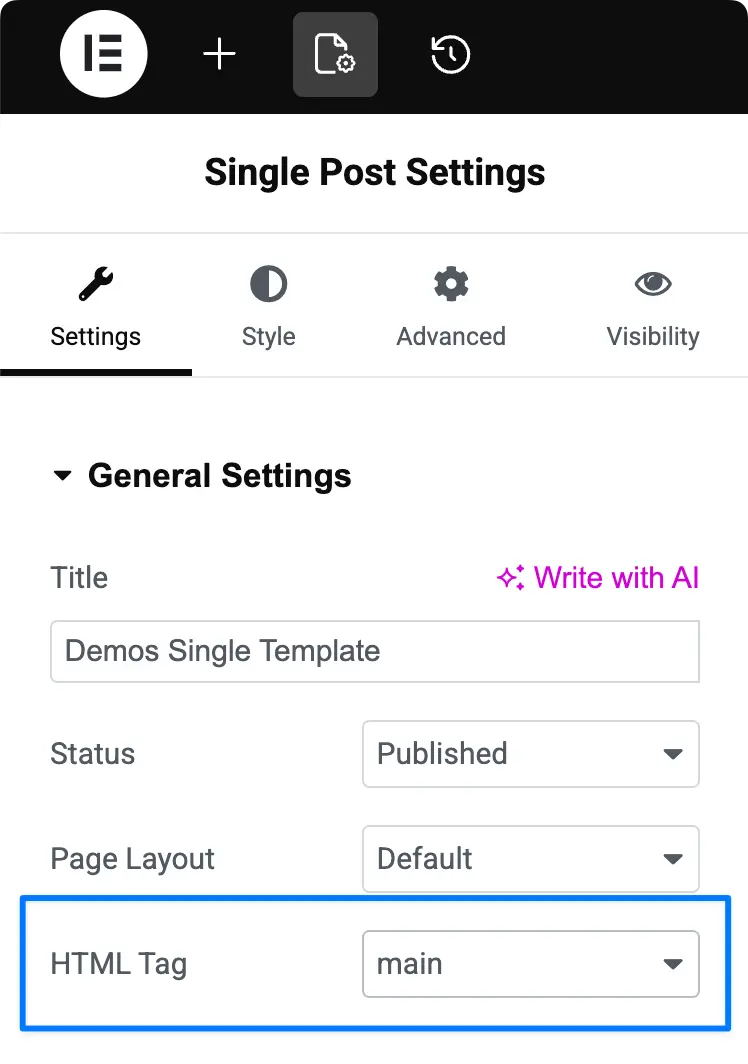
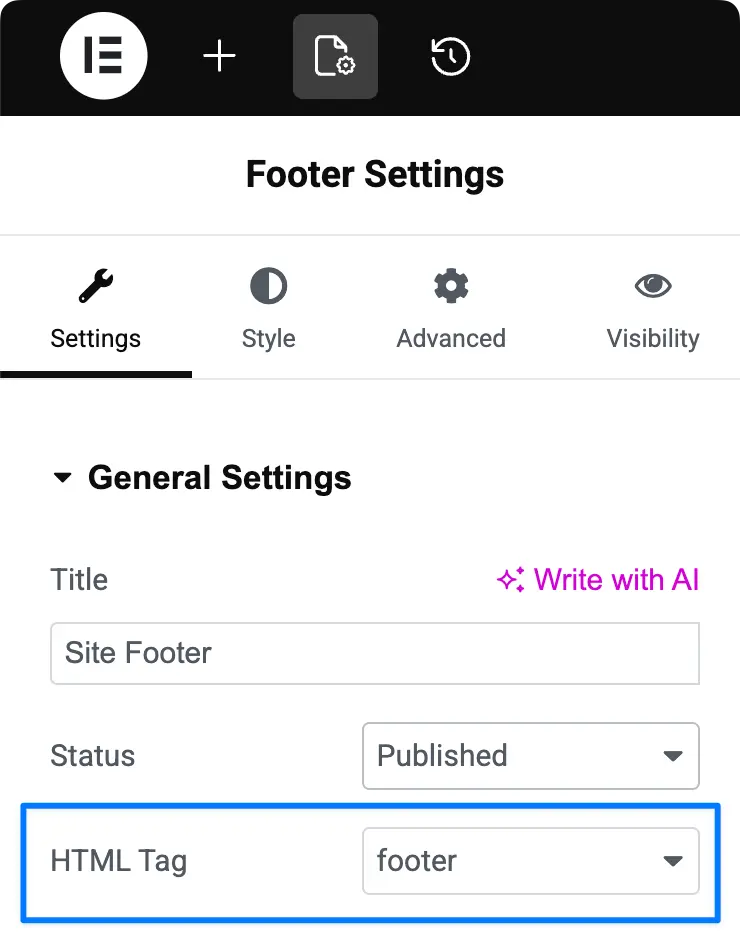
Use proper regions and semantic HTML
Landmark regions define the structure of a page and provide quick navigation for screen reader users.
Common regions include:
<header><nav><main><aside><footer>
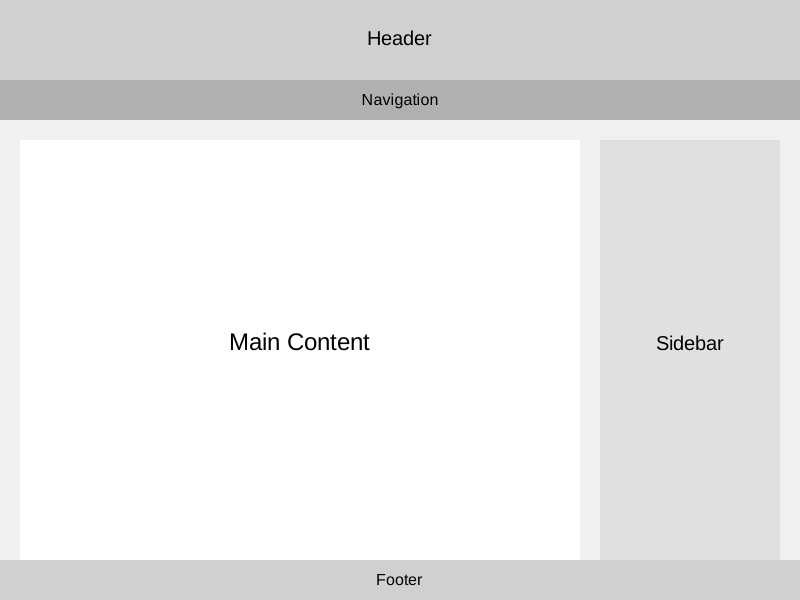
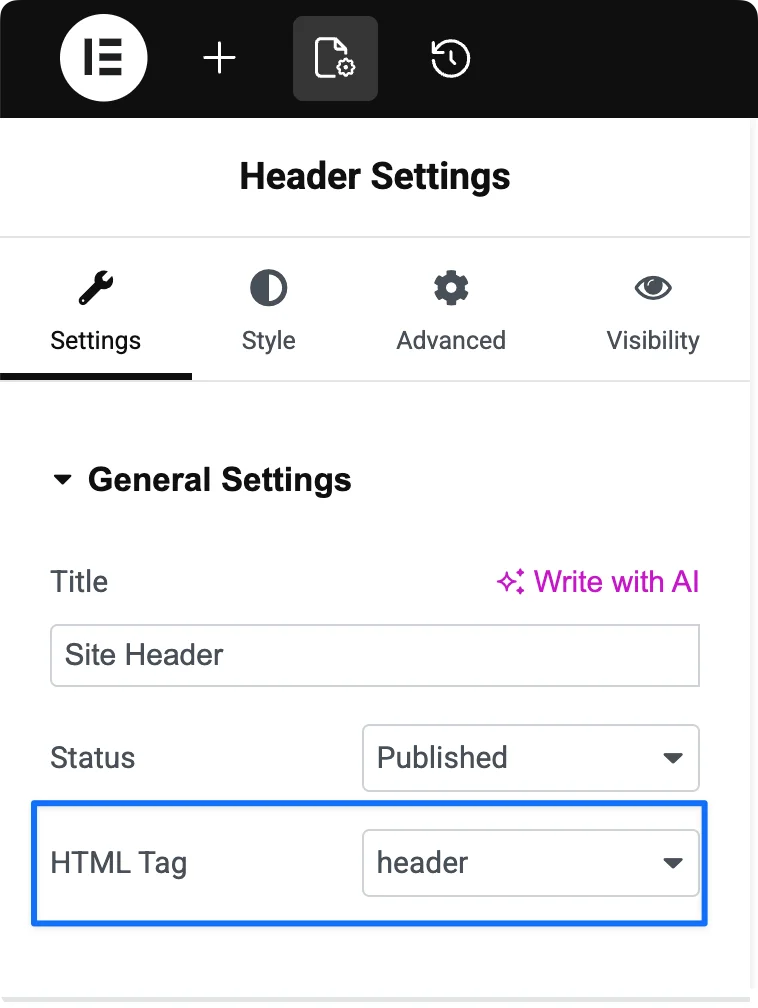
Elementor often uses <div> by default. You should update these in template settings to use the correct semantic tags.
Use descriptive text for links and buttons
- Avoid vague text like “Click here”. Instead, use meaningful labels such as “Read the WebAIM Million Report”.
- In a post loop card, you can link the title rather than use a dedicated “Read more” button.
- If space is limited, use an aria-label to provide more context.
Maintain a logical heading structure
Headings should follow a clear order:
- Do not skip levels (for example, from
<h1>to<h4>) - Use headings to reflect structure, not visual size.
Add alt text to images
Alt text describes images for screen reader users.
Make it:
- concise
- meaningful
- relevant to the content
Ensure good colour contrast
Good contrast improves readability for everyone. If text is easy to read, users can focus on understanding—not straining to see it.
Useful Accessibility Tools
- Colour contrast checkers
- Heading structure
- General accessibility testing
- Screen Readers
- NVDA,
- VoiceOver
- JAWS
- Narrator
Conclusion
Accessibility improves usability for everyone—not just people with disabilities.
By applying these steps and using the right tools, you can build more inclusive websites with Elementor.
For further reading:
- The Admin Bar Accessibility Weekly
- Anne-Mieke Bovelett’s Digital Accessibility Whitepaper
- WCAG 2.2 Guidelines.
Accessibility is ongoing. Start small, keep improving, and make your websites work for more people.
Comments
No comments yet — be the first.
Leave a comment
Replying to .
Thanks — your comment is in
It's awaiting moderation and will appear after it's approved and the site is rebuilt.