Alternate loop template in Elementor that reverses per row
Introduction
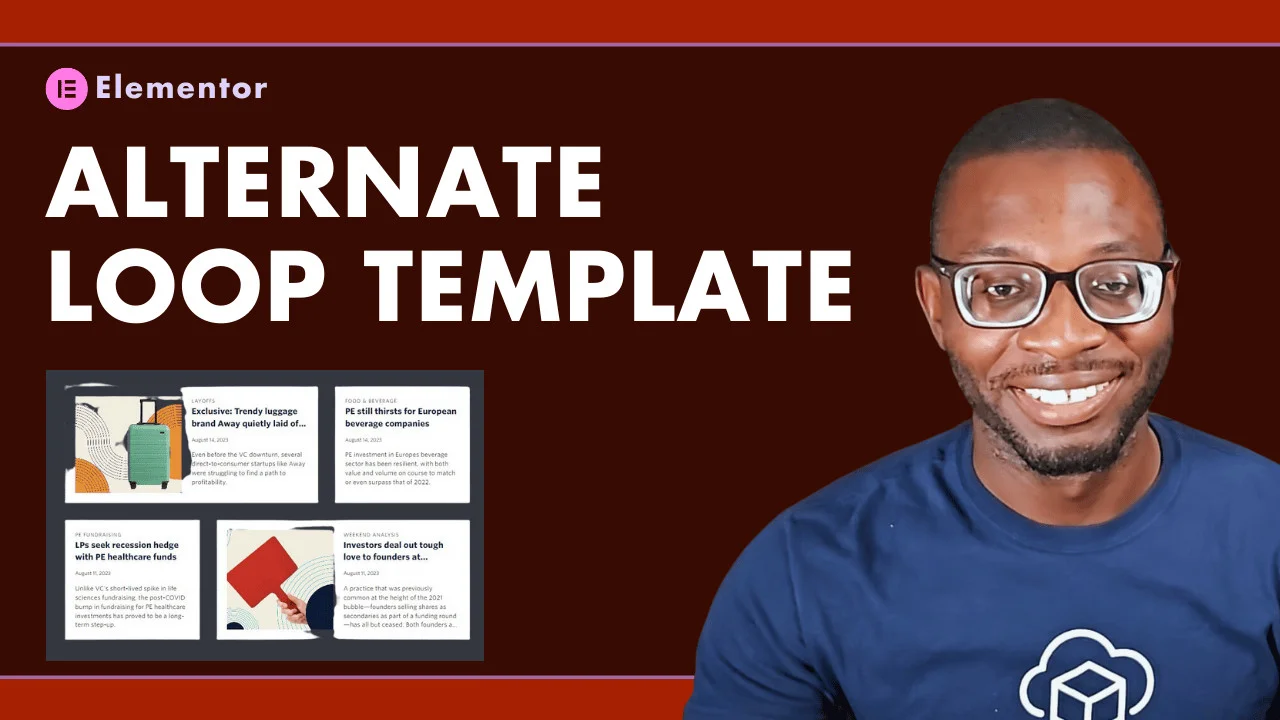
In this tutorial, you’ll learn how to create a loop grid in Elementor that has two (2) different loop templates per row and reverses their order on each new row.
What you’ll need:
- Elementor Pro
- Elementor Container Feature
- Loop Grid widget
- Alternate Loop Template option
- Custom CSS
Steps
Add Loop Grid widget to page
The first step is to add a new loop grid widget to a container on your page. Then, in the editor, go ahead and create your first loop grid template. Here’s a tutorial on how to make the entire loop card clickable.
Toggle Alternate Loop Template
After creating your initial loop grid template, toggle on the “Apply an alternate template” and create your alternate template, which should be the template that you would like to span multiple columns.
Set the “Position in Grid” to 2 and disable the toggle to “apply only once”, so that the alternate template repeats after every 2 items in the grid.
Custom CSS
Finally, go under the advanced CSS for the Loop Grid widget and apply the following custom CSS
@media screen and (min-width:1024px){
selector .e-loop-item:nth-of-type(4n-3){
  grid-column: 3 / span 1;
}
selector .e-loop-item:nth-of-type(4n-2){
  grid-column: 1 / span 2;
}
selector .e-loop-item:nth-of-type(4n-1){
  grid-column: 1 / span 1;
}
selector .e-loop-item:nth-of-type(4n){
  grid-column: 2 / span 2;
}
selector .elementor-loop-container{
  grid-auto-flow: row dense;
}}
1 comment
Perfect, this was exactly what I needed to alternate the width of two loop templates between a 1 column span and a 2 column span in a 3 column loop grid. I’m not sure why this isn’t an option in elementor itself.
Before this CSS they were inexplicably lining up with all narrow items on the left and all wider items on the right.
Leave a comment
Replying to .
Thanks — your comment is in
It's awaiting moderation and will appear after it's approved and the site is rebuilt.