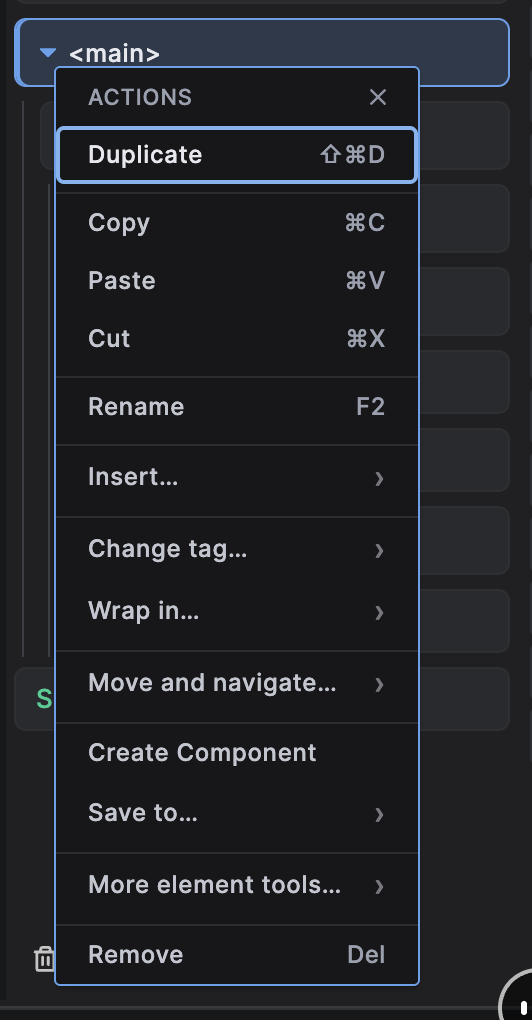
Reorganises the Navigator right-click menu around the actions used most often, with compact flyouts for inserting, moving and advanced tools. Includes full keyboard support (arrow keys, Home/End and Escape); unavailable commands remain discoverable and explain why they cannot currently run. Also adds a right-click copy and remove menu to the class chips in the Styles editor.
Editing
Right-click menu enhancements
A flatter, keyboard-friendly right-click menu.