Tutorials & articles
Articles
Practical walkthroughs and notes on dynamic data, accessibility, and the bits of WordPress I'm learning as I go.
All articles
-
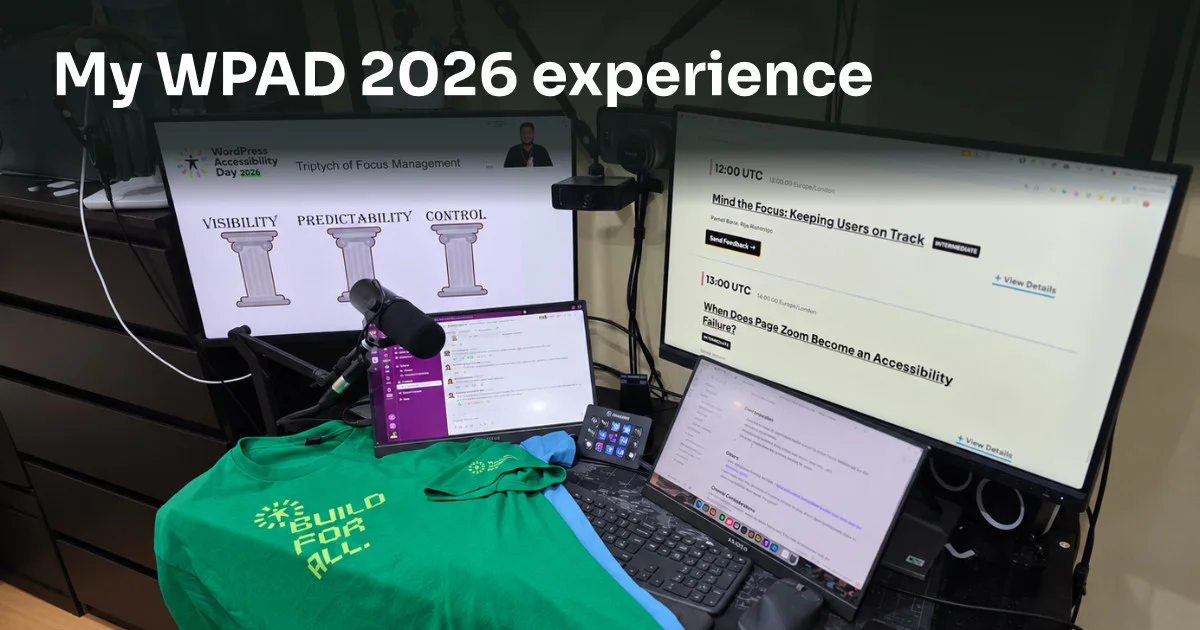
My experience at WordPress Accessibility Day 2026
WordPress Accessibility Day 2026 was an amazing event, and I’m glad I was part of it as an organiser, tech admin volunteer and attendee. I l...
-
My WP Accessibility Day journey: Looking ahead to 2026
From attendee to organiser: my WP Accessibility Day journey, what I’ve learnt about accessibility, and how I’m helping ahead of the 2026 eve...
-
CrocoBuilder Beta Review: A Strong AI-First Foundation
CrocoBuilder has one of the more interesting foundations I have seen in a modern WordPress builder. Its AI and dynamic-data story is already...
-
Weeknotes #6: CrocoBuilder, DBE 2.0 and agency automation
CrocoBuilder opens its public beta, DBE 2.0 adds HTML editing, Builderius targets a September stable release, and WPLDN asks what should sta...
-
Weeknotes #5: Code2Bricks, GutenBricks, CrocoBuilder and WPAD 2026
This week in WordPress: Code2Bricks, GutenBricks inside UEEE, DBE 2.0, WordPress Accessibility Day 2026, CrocoBuilder, Oxygen and GreenLight...
-
Weeknotes #4: RightPlace, UEEE, WordPress AI and Bricks 2.4
This week in WordPress: AI abilities, Novamira OAuth, Bricks 2.4, Ryan Lee’s RightPlace and UEEE, GreenLight Dash, CrocoBuilder and the Buil...
-
Weeknotes #3: PhantomStudio, the Builderius Enhancement plugin, and Novamira Visual
My WordPress week: PhantomStudio’s surge after a WPTuts video, the growing Daveden Builderius Enhancement plugin, AI in web video, and a fir...
-
Weeknotes #2: WPChangeSync, Elementor layoffs, Core Framework open source and the BEM debate
My weekly WordPress roundup: BricksSync rebrands to WPChangeSync 2.0, Elementor lays off 30% under AI and currency pressure, Core Framework...
-
Builderius Has Quietly Completed the WordPress Dev Workflow (For Now)
Builderius now covers the whole WordPress build: one editor, dynamic data, a git-style release workflow, static deploys and Sense AI. Here i...
-
Weeknotes #1: Etch first impressions, the Builderius CSS debate, and AI-first building
Kicking off a weekly roundup of what I’ve seen, tried and heard: first impressions of Etch, the Builderius CSS UI debate, WP Accessibility D...
-
Build a WordPress Site with AI: Novamira MCP + Bricks Builder
Novamira is an MCP bridge that lets Claude Code work directly inside WordPress. In this walkthrough I build an accessibility conference site...
-
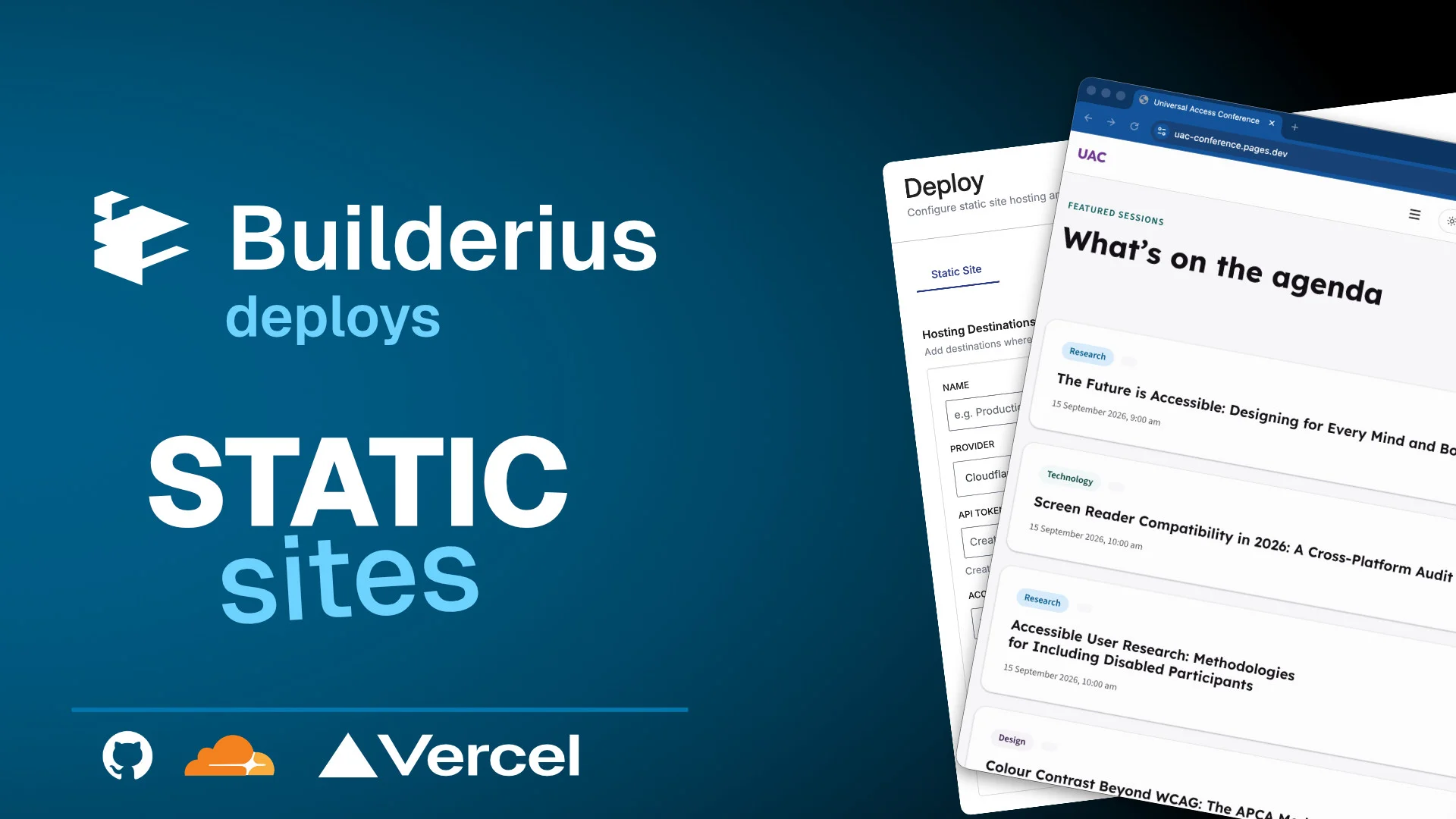
How to Deploy a Static WordPress Site with Builderius
Build your site in WordPress with Builderius, then deploy it as a static site to Cloudflare Pages or GitHub Pages. Step-by-step guide.
-
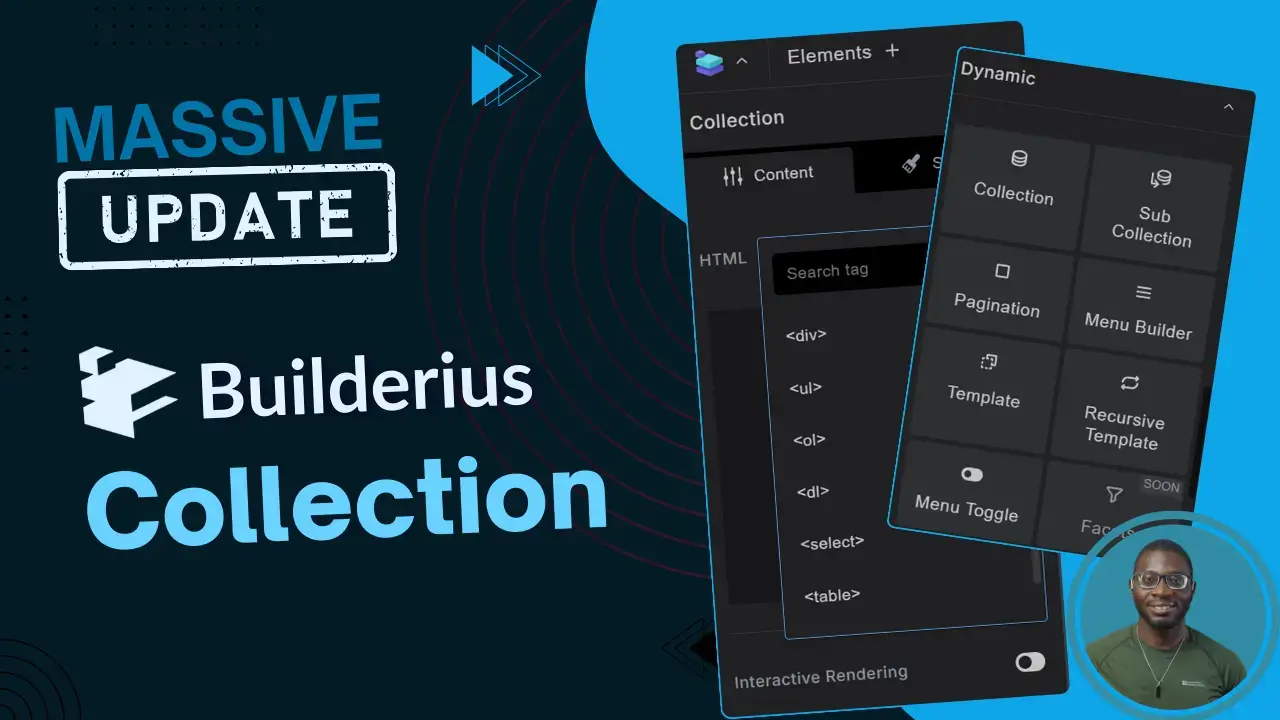
Massive Improvements to Builderius: A Sneak Peek into the Enhanced Collection Element
The latest Builderius update transforms the Collection element — your core tool for query loops. Here’s what’s new and why it matters for ho...
-
ACF Term Color Badges in Elementor
Have multiple taxonomy terms on a single post? This tutorial shows you how to display each term as a dynamically coloured badge in Elementor...
-
Recipe for an accessible tab pattern
Tabs have no native HTML equivalent, which makes building them accessibly surprisingly tricky in WordPress page builders. This is the recipe...
-
Let’s Build Better Connections Together
Misunderstandings are the silent enemies of meaningful relationships. This post explores how checking our assumptions — before we react — ca...
-
Editor v4: The future of Elementor in 2025 and beyond
Elementor has come a long way since 2016. Editor v4 signals where the platform is heading — and what it means for the people who build with...
-
Populate Bricksforge select field with JetEngine glossary data
Managing large option lists across multiple forms? JetEngine’s glossary feature is built for this. Learn how to feed that data into Bricksfo...
-
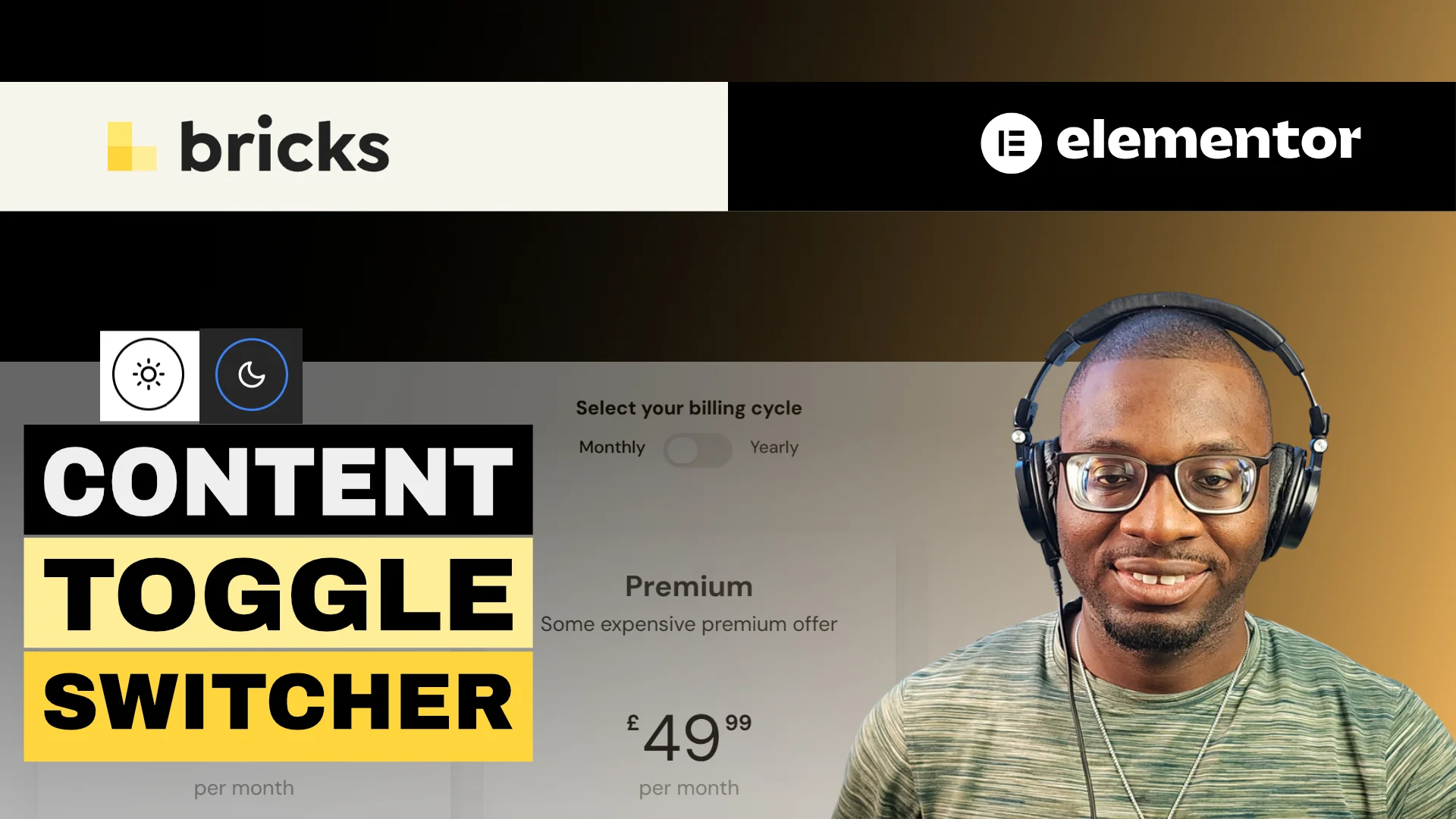
Simple content toggle switcher in WordPress
Content switchers — like monthly/yearly pricing toggles — are popular for a reason. This tutorial shows you how to build one in any WordPres...
-
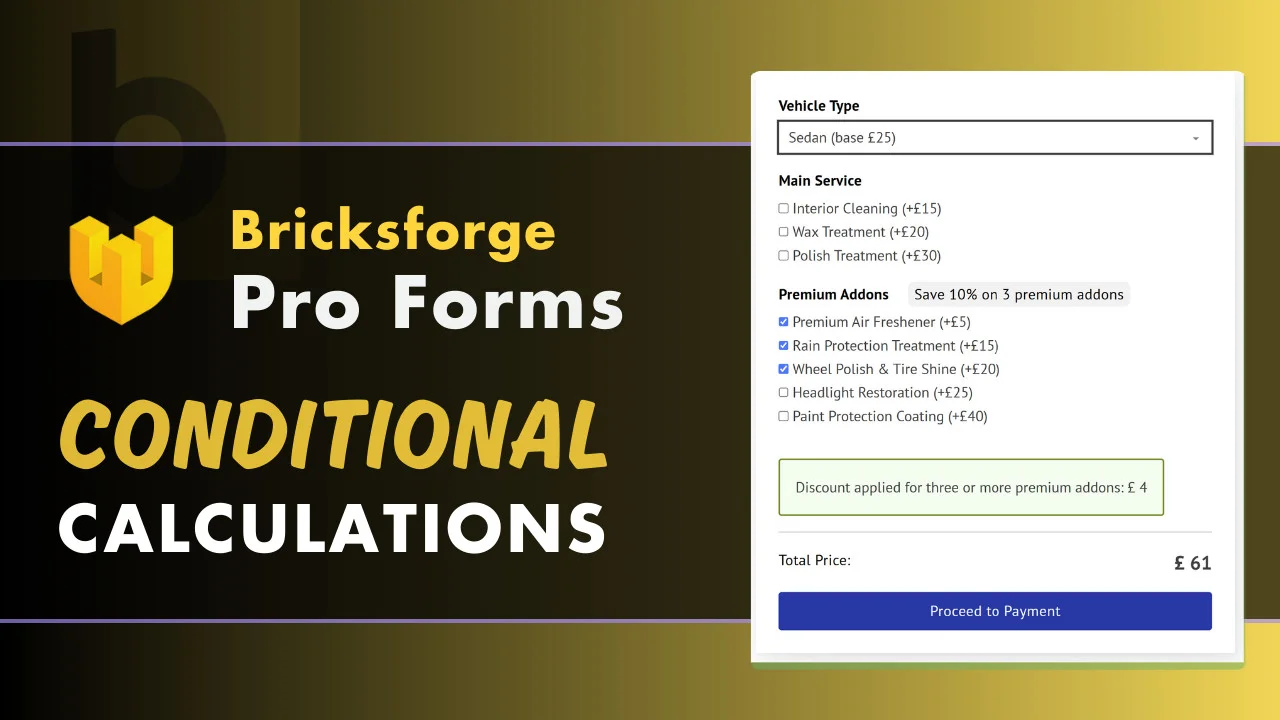
Build complex forms using Bricksforge Pro Forms: A guide to calculations and conditional logic
Bricksforge Pro Forms can handle real complexity — dynamic pricing, discounts, conditional logic. This guide walks through two practical exa...
-
Order Elementor loop by ACPT date field with some priority listing items at the top
Learn how to sort your Elementor loop grid by an ACPT date field and pin priority items to the top — ideal for events listings where what’s...
-
Simple Steps to Improve Accessibility in Elementor
A recap of the Elementor UK meetup where we explored what web accessibility really means, why it matters, and the practical steps you can ta...
-
Sort your Elementor loop grid by ACF checkbox to prioritise sold items last
Need sold items to sink to the bottom of your loop grid automatically? This tutorial shows you how to sort by an ACF checkbox field in Eleme...
-
Accessible Web Design: Levels of Maturity
Accessible web design isn’t a nice-to-have — it’s essential. This post explores a maturity model to help you understand where your practice...
-
Is the figure tag overused in WordPress?
WordPress wraps almost every image in a figure tag — but should it? This post examines when figure is semantically correct and when it’s sim...
-
Bricks mixed grid: Create a flexible boxed/stretched two-column layout
Make your featured images pop while keeping text content neatly boxed. This tutorial walks you through a flexible two-column mixed grid layo...
-
Elementor CSS grid: Create a flexible boxed/stretched two-column layout
Text contained in the boxed area, image stretching to the screen edge — a visually striking layout that’s easier to build in Elementor than...
-
Mastering split grid layout in Bricks builder
Split grid layouts bring a modern, dynamic feel to any site. This tutorial shows you exactly how to build them in Bricks Builder — one of th...
-
How to add taxonomy images to Elementor loop grid
Taxonomy term images make loop grids richer and more informative. This tutorial shows you how to display them in Elementor — for categories,...
-
Elementor anchor links: Accessibility issue and fix
A significant accessibility issue with Elementor anchor links affects keyboard and screen reader users. Here’s what the problem is, why it h...
-
Your guide to accessible headings in WordPress
Good headings help users scan your content and help search engines understand your page. This guide explains how to structure them accessibl...
-
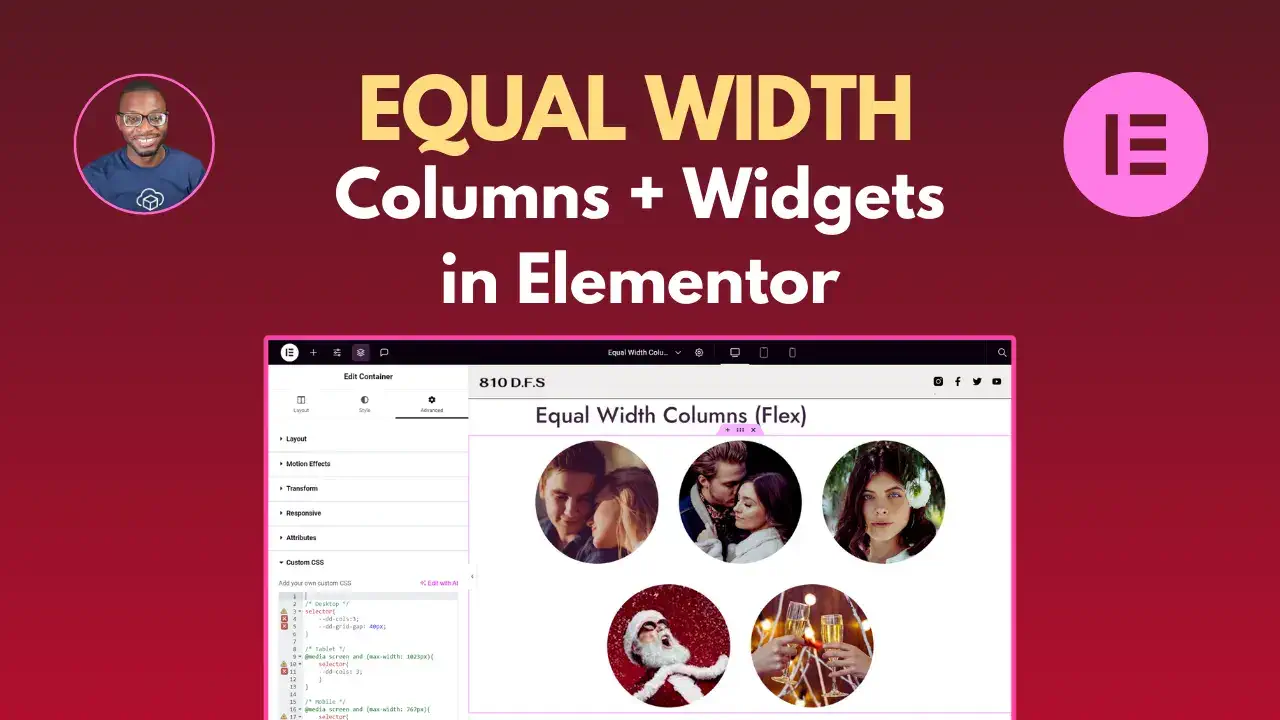
The easy way to create equal width columns in Elementor using Flexbox
Struggling to get equal-width columns in Elementor? This guide shows you a clean Flexbox approach using CSS variables — responsive by defaul...
-
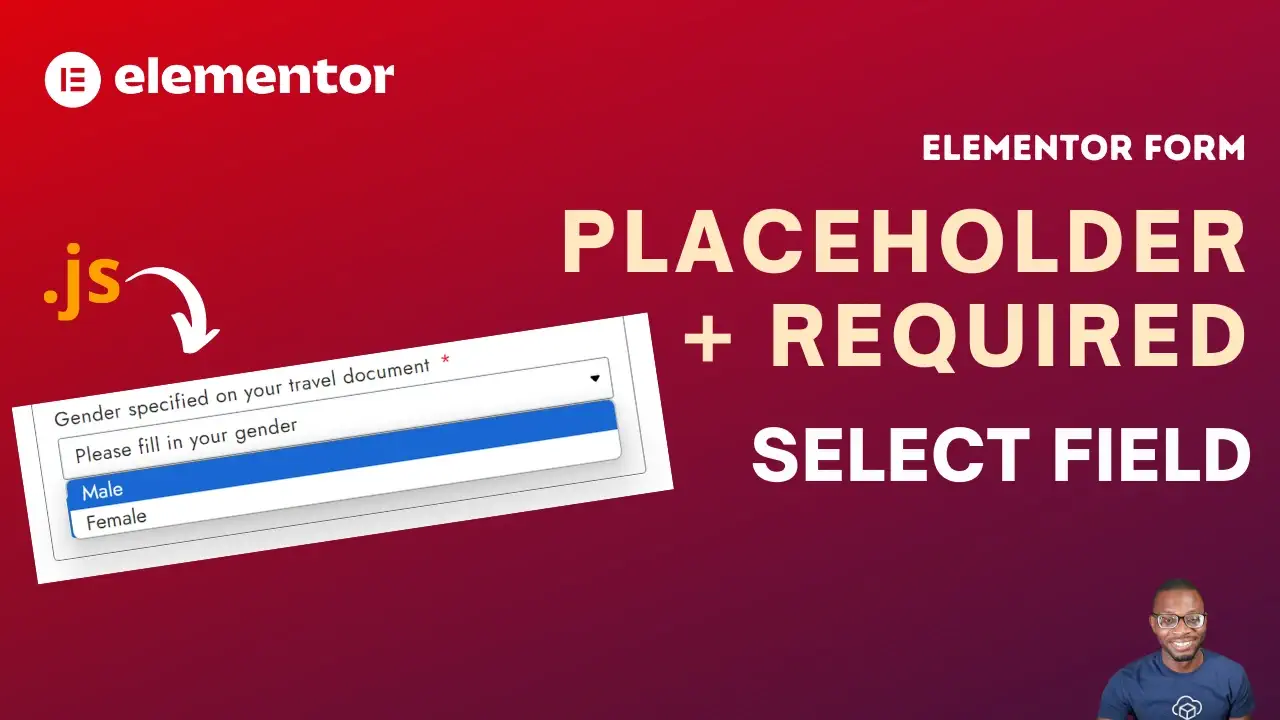
Add placeholders to select fields in Elementor pro forms
Elementor Pro forms don’t support placeholder text for select fields out of the box. This tutorial shows you how to add one with a small, cl...
-
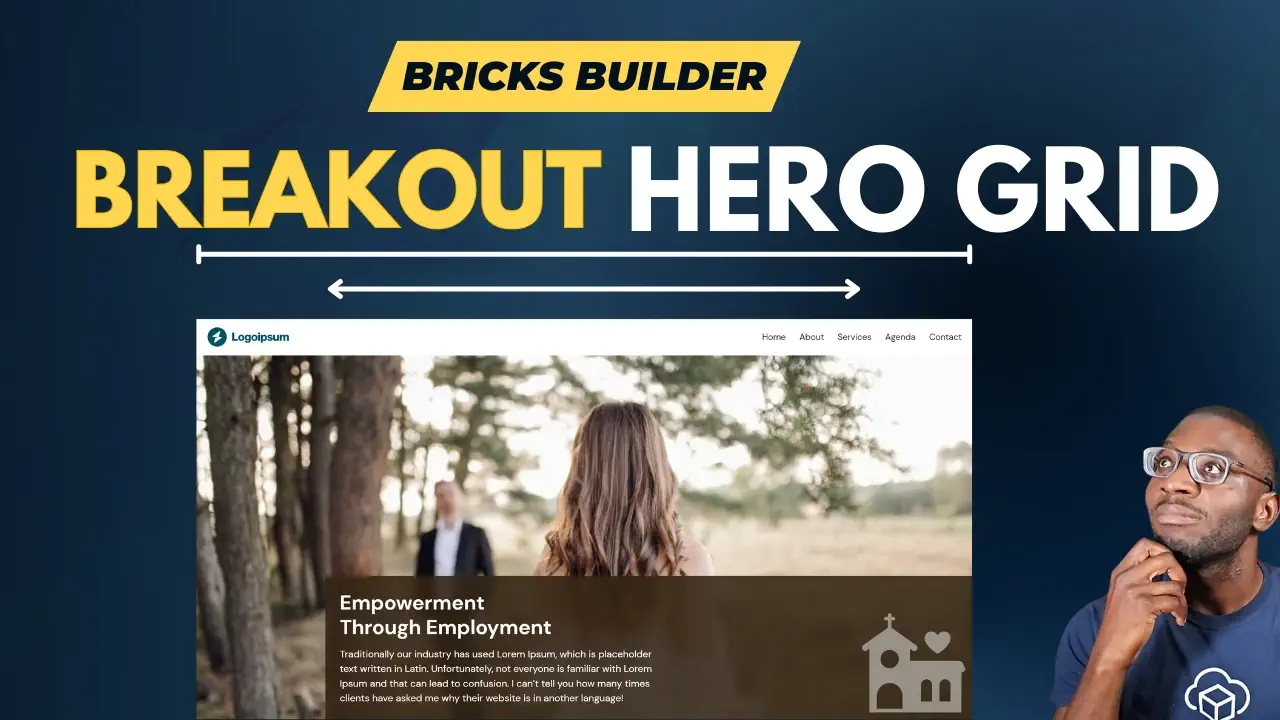
Creating a breakout grid layout in Bricks builder
A hero section that stretches edge-to-edge while other content stays boxed gives pages a polished, full-bleed feel. Here’s how to build it c...
-
Order Elementor loop by ACF date field
Displaying upcoming events in your Elementor loop grid? This tutorial shows you how to sort by an ACF date field so the most relevant events...
-
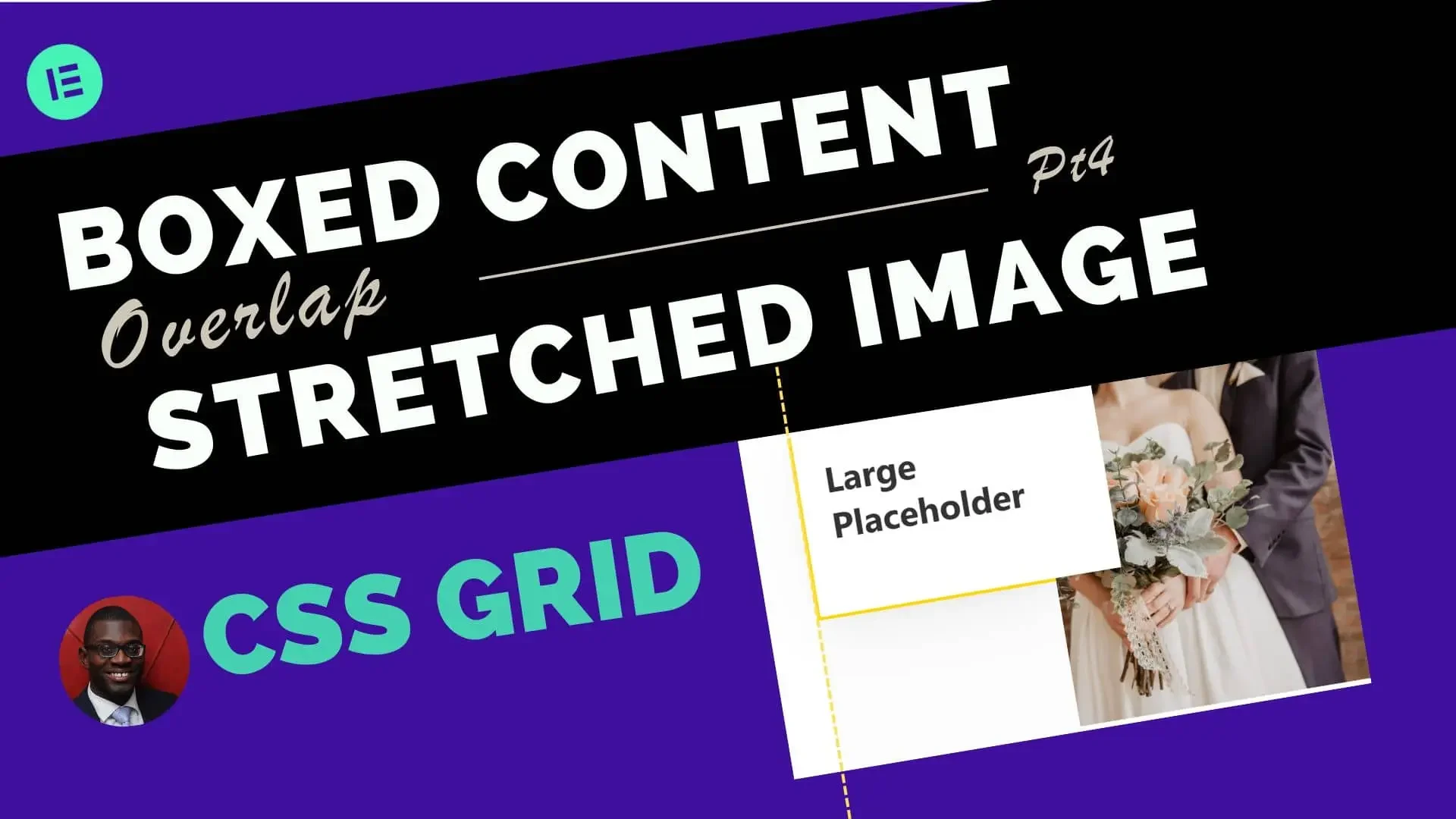
Advanced two-column grid: Boxed content & stretched image
Take the classic boxed/stretched two-column layout further with CSS Grid. This tutorial builds on the Flexbox approach to give you more layo...
-
Build a magazine-style loop grid in Elementor
Tired of cookie-cutter loop grids? This tutorial walks you through a magazine-style layout in Elementor that makes your content stand out fr...
-
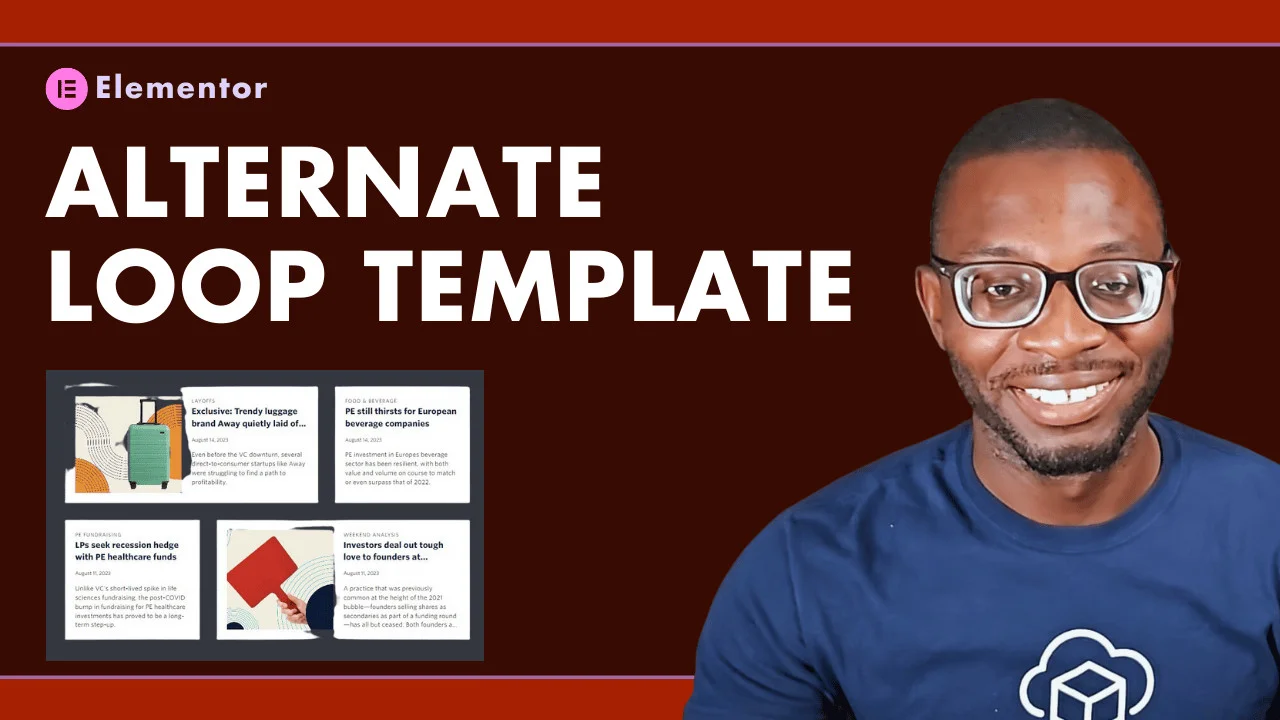
Alternate loop template in Elementor that reverses per row
Build an Elementor loop grid where two templates alternate per row and reverse their order on each new row. More dynamic than it sounds — an...
-
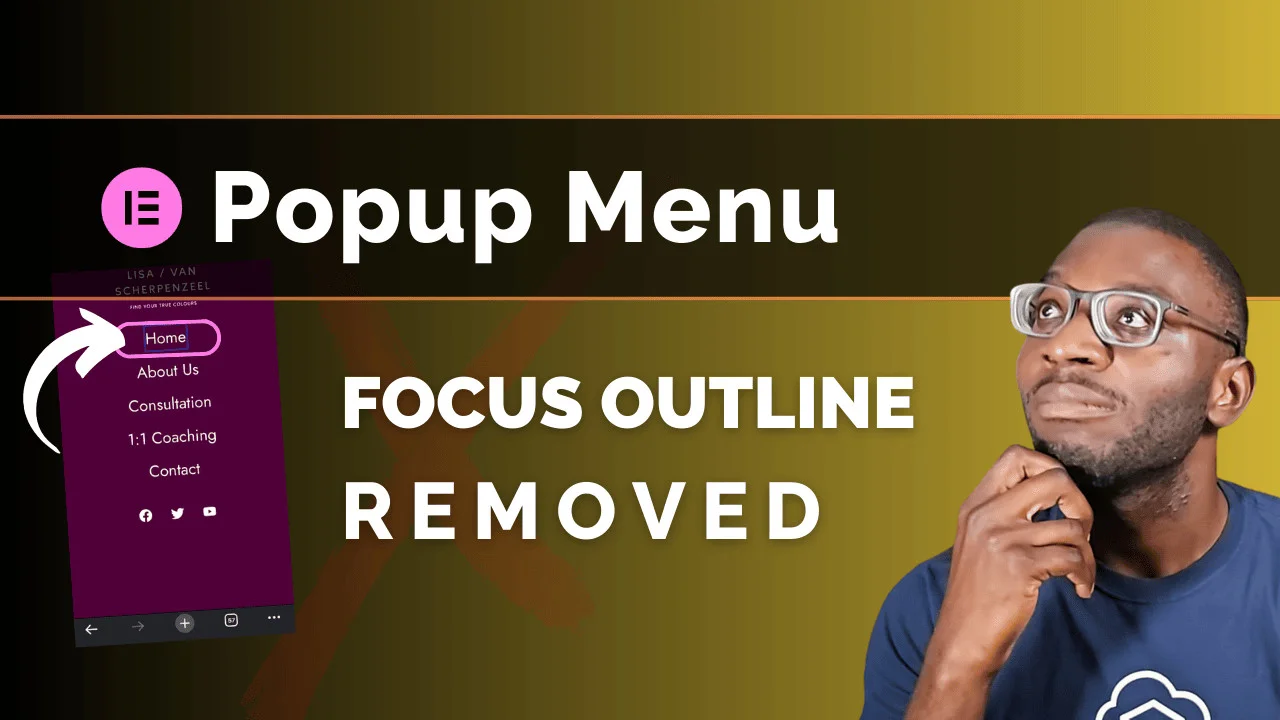
Remove focus outline from Elementor popup menu
Elementor’s focus-on-first-element behaviour in popup menus can look jarring. This tutorial shows how to remove the visible outline without...
-
Align footer to bottom of page
A footer floating mid-page is a frustratingly common WordPress issue. This quick tutorial fixes it with a minimal CSS snippet that works reg...
-
Add dynamic color to taxonomy labels (Elementor + ACF)
Colour-coded taxonomy labels make loop grids instantly more scannable. This tutorial shows how to apply dynamic background colours using ACF...
-
4 Ways to make your entire loop card clickable in Elementor
Linking the whole card — not just the title — improves usability. This tutorial explores four methods for making Elementor loop cards fully...
-
Does Elementor mega menu in 3.14 meet accessibility standards
Elementor Pro’s new Menu widget arrived with exciting features in 3.12. But does it meet accessibility standards? Here’s an honest look at w...
-
Enhance web accessibility in Elementor
Elementor has made real progress on accessibility, but the page builder can only do so much. Here’s what you as a designer can do to close t...
-
Two-column layout with split widths (70/30) in Elementor
An asymmetric 70/30 split gives your content breathing room while the second column stretches beyond the boxed area. Here’s how to build thi...
-
Create a slide-out social menu in Elementor
Add floating social icons to your Elementor site without a plugin. This tutorial builds a slide-out sidebar menu for both social links and s...
-
A look at Elementor’s updates: 2022 and beyond
Elementor has shaped WordPress page building since 2016. This post looks back at the key updates from 2022 and what they tell us about the p...
-
Creating animated typing headlines in Elementor with Typed.js
An animated typing headline grabs attention without slowing your site. This tutorial shows you how to add the Typed.js effect in Elementor —...
-
Enhance your Elementor search widget with custom SVG images
The default Font Awesome search icon isn’t always the right fit. This tutorial shows you how to swap it for your own custom SVG in the Eleme...
-
Align button to bottom in Elementor CTA widget
Getting the CTA button to sit at the bottom while text stays at the top trips up a lot of Elementor users. This tutorial shows you the clean...
-
How to create a two-column layout: boxed-width content and stretched image
Want text in the boxed content area and an image that bleeds to the screen edge? This tutorial builds the layout step by step in Elementor.
-
Add custom URLs to individual images in Elementor gallery widget
Elementor’s gallery widget only supports one link for all images. This tutorial shows you how to set individual URLs per image — no extra pl...
-
Build an Elementor Horizontal Accordion without extra addons
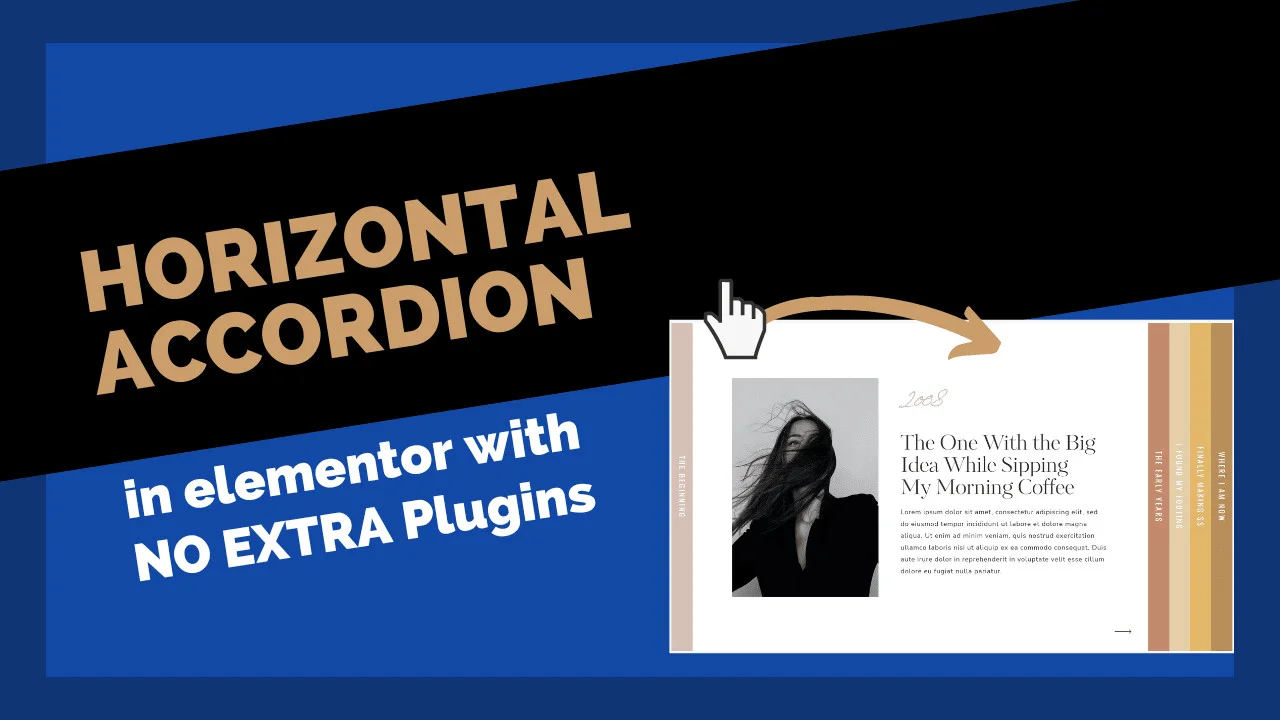
Elementor’s accordion is vertical by default, but with a few CSS tweaks you can flip it horizontal. No extra addons needed — this tutorial s...
-
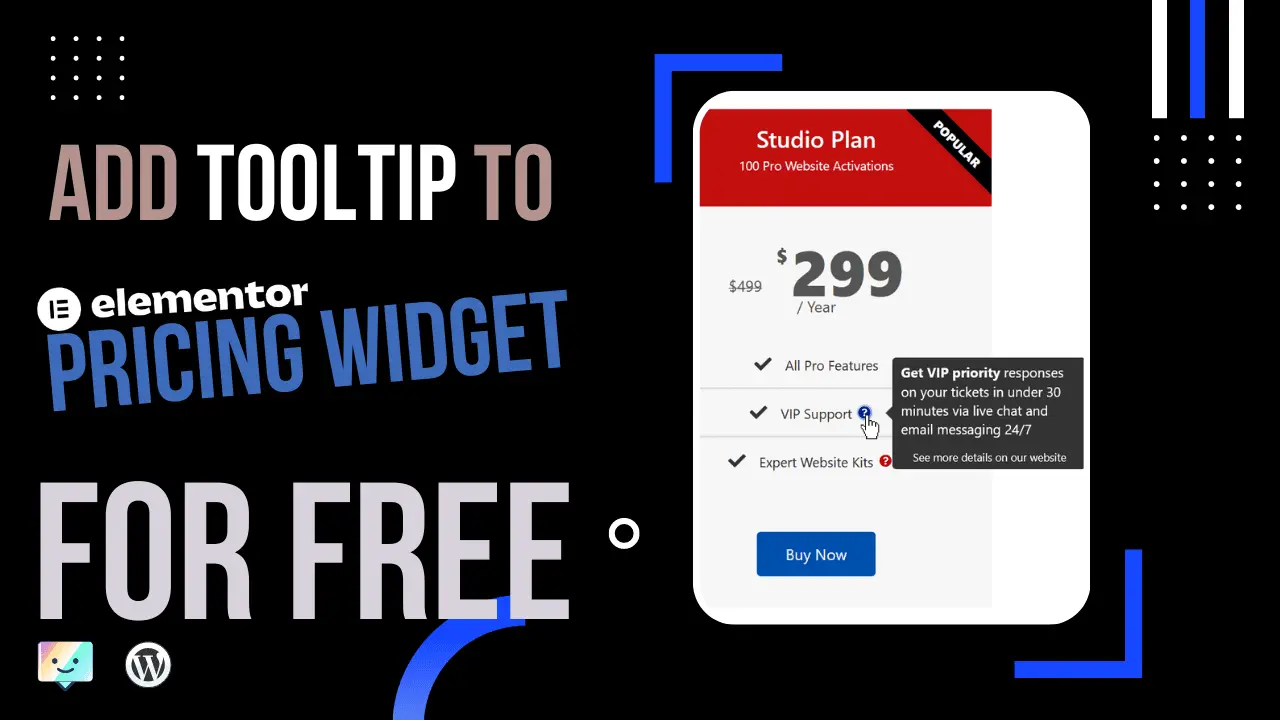
Add a free tooltip to the elementor pricing table
Tooltips are a clean way to explain pricing features without cluttering your table. This tutorial shows you how to add them to Elementor’s P...
-
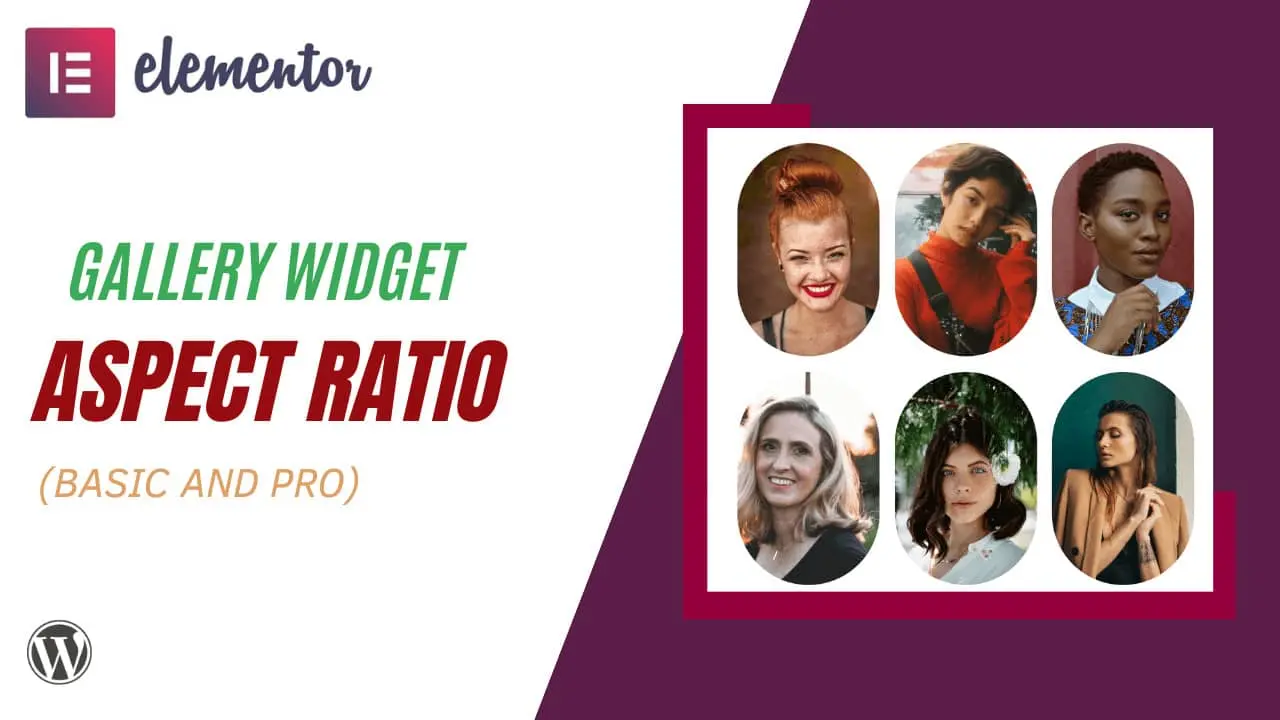
Elementor Gallery Custom Aspect Ratio (Easy Fix)
Elementor Pro’s Gallery Widget offers several aspect ratio presets — but not every one you might need. This tutorial shows you how to set a...