Welcome back to Weeknotes #4. WordPress and AI kept moving towards each other this week. ACPT and Meta Box are exposing AI abilities, Novamira has added OAuth sign-in, and Bricks 2.4 has entered beta with its own abilities and a sizeable list of builder improvements. Ryan Lee is also pushing ahead with RightPlace and UEEE, while Crocoblock have unveiled CrocoBuilder.
Underneath all of that is a question Ryan Lee raised: why buy software when you can build it yourself in the era of AI? I do not think the answer is as simple as either buying or building, but it is becoming a much more interesting decision.
If you missed last week, you can catch up on Weeknotes #3. Now, let’s get into it.
Ryan Lee is building RightPlace
RightPlace is currently at version 1.0.0-RC18.1, and the build I can see is already much broader than a WordPress dashboard. It is a local-first desktop workspace made from focused applets, with some built into the core and others installed or removed as required.
Ryan compared the choice between buying and building software to cooking at home or visiting your favourite restaurant. Cooking at home can save money, but the menu price is not the whole cost. There is the shopping, preparation, messy kitchen and cleaning afterwards. Your family may want one meal while you want another, so the supposedly cheaper option can quickly become a collection of small jobs and compromises.
Ryan develops that argument in his video Buy or build your own tools?, where the restaurant comparison helps separate the headline cost from the time, maintenance and compromises that come with doing everything yourself.
Building your own software with AI can be similar. You may avoid a subscription, but you also become the product manager, tester, support team and maintainer. Buying a well-made tool means paying for a coherent experience, ongoing fixes and awkward edge cases that somebody else has already considered. The real question is not simply whether you can build it, but where you want to spend your time.
For web and CMS work, RightPlace includes a persistent built-in browser, a WordPress applet with site pairing and a cross-site dashboard, and an Asset Repo for organising plugin and theme ZIP files by name and version. Its content and design tools include a Markdown Docs editor and a layered image editor with WebP export.
The development toolkit is equally substantial: persistent terminal sessions, Monaco code editing, visual QA tests, an HTML, CSS and JavaScript playground, and saved Bash scripts with named inputs and recorded runs. This is the sort of combination that could keep research, implementation and testing inside one project context.
Operations, data and infrastructure are covered too. There is per-project email, RobinPath visual automation, encrypted credentials, logs, SQL database connections, object storage, typed records, spreadsheets, SSH, SFTP and FTP, local folders and Git. The applets span MySQL, PostgreSQL, SQLite, Supabase, Cloudflare D1 and S3-compatible storage, which makes RightPlace feel closer to an agency operating system than a single-purpose AI tool.
What interests me most is not the number of applets on its own, but whether they share enough context to reduce everyday friction. If sites, code, files, credentials, content, QA and automation genuinely work together, RightPlace could save far more time than any isolated feature.
ACPT and Meta Box join the WordPress AI abilities push
ACPT and Meta Box are the latest data-modelling plugins to make their features available to AI agents through WordPress abilities. Meta Box’s abilities can cover post types, taxonomies, posts, terms, field groups, fields and field values. JetEngine embraced this direction early, so it is good to see more of the custom-fields ecosystem following suit.
ACPT 2.1 is also set to add Custom Content Types. These store records in their own database tables rather than the usual posts and postmeta tables, which can be a much cleaner fit for larger sets of structured data. The team demonstrate the feature in an ACPT 2.1 Custom Content Types walkthrough. ACPT have also launched an official YouTube channel, which should make future releases easier to follow.
I am less interested in whether an AI agent can technically change a field than in whether the workflow gives me enough efficiency and control. Are you still on the fence about letting AI co-work with you on WordPress sites? How much control are you willing to hand over?
Novamira adds OAuth sign-in
Novamira 1.9.1 has added OAuth sign-in for AI clients. Instead of generating and pasting an Application Password, you can add the MCP server details to a compatible client and authorise the connection from your WordPress login when the browser window opens. Connected clients can then be revoked from the WordPress dashboard.
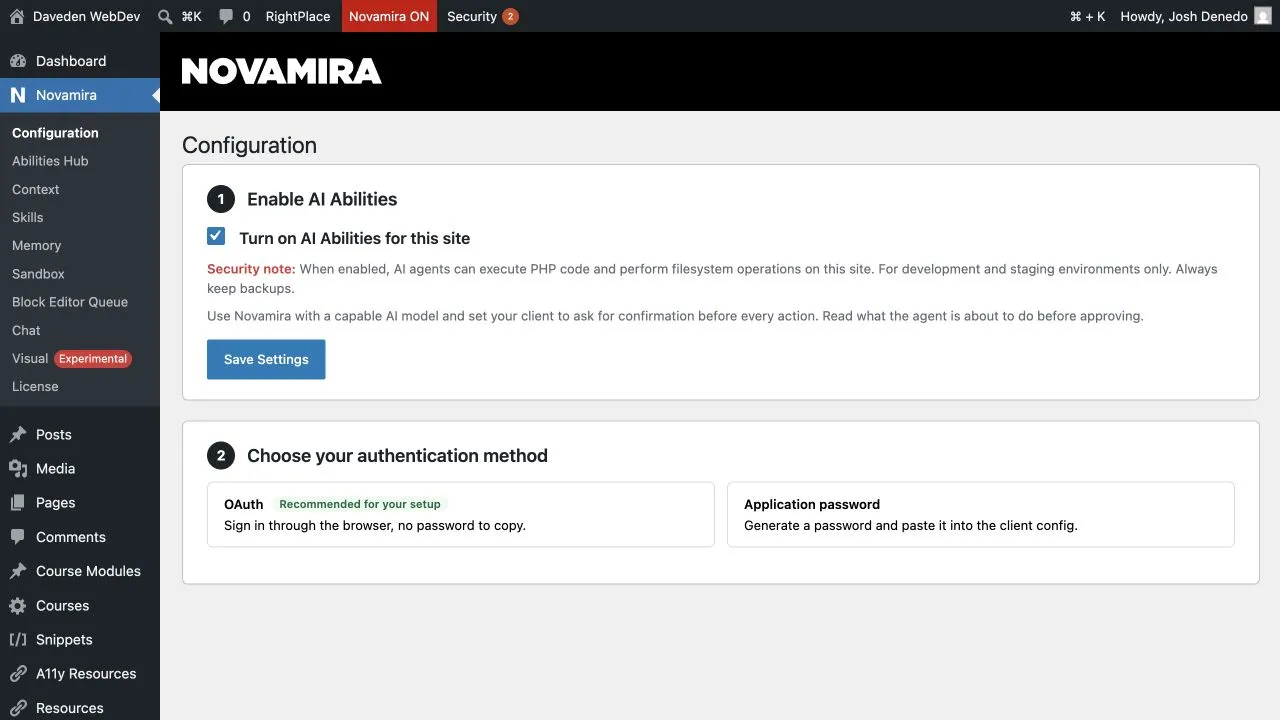
Application Passwords have not disappeared and are still supported for clients that need them. OAuth is simply the easier recommended route when your client supports it. That should make connecting tools such as Codex, Claude Code and Cursor feel much less fiddly.
Bricks 2.4 beta brings AI abilities and better builder workflows
The Bricks team have released Bricks 2.4 beta for testing, and it is a substantial update. The headline additions include Bricks AI abilities and skills, a Builder Browser, customisable builder layouts and profiles, global import and export, bi-directional syncing between Custom CSS and the visual controls, and a new WooCommerce setup flow. You can also store the Bricks licence key as a PHP constant in a blueprint site.
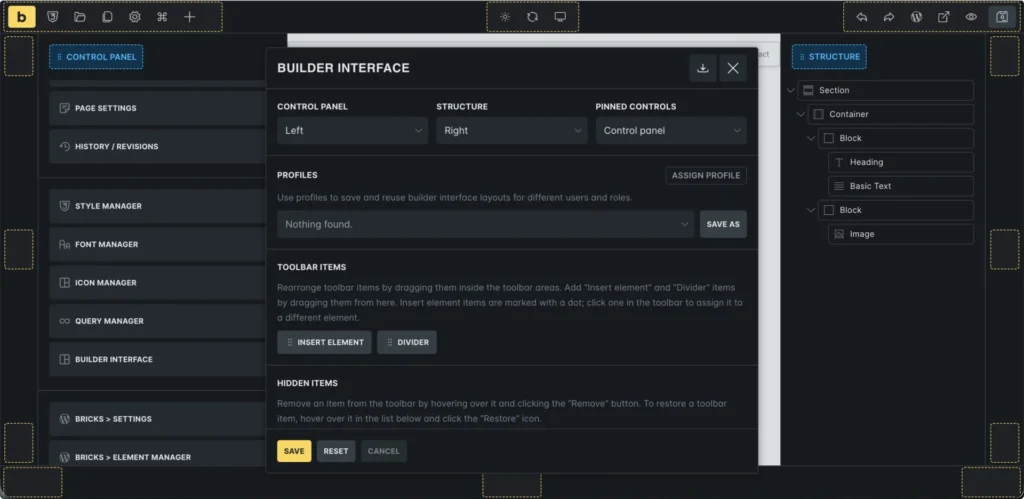
The CSS sync is particularly welcome. On the Bricks 2.4 beta demo, linking the spacing controls lets the CSS editor use logical shorthands such as margin-block, padding-block and padding-inline. Unlinking the controls instead produces physical longhands such as margin-top, margin-bottom, padding-top and padding-bottom. That feels slightly inconsistent because the same controls switch between logical and physical CSS properties depending on whether their values are linked. Even so, it is a practical advantage over Builderius, whose visual sync currently expects expanded properties such as padding-top and padding-bottom. Other forms end up in the Builderius Advanced section instead of syncing with the visual spacing controls.
DBE 2.0 is still taking shape
I had a fun livestream with Lex from TechiesReviews, where I continued to show what the Daveden Builderius Enhancement plugin can do. We will probably do another collaborative stream soon. I am still working hard on version 2.0, and I would genuinely appreciate naming suggestions, although perhaps not “Etch in Builderius”, as somebody suggested. Lol.
This work keeps bringing me back to the user journey. Developers can become so immersed in what a product can do that the getting-started flow, interface, documentation and everyday usability receive less attention. Powerful features matter, but people still need a clear path into them.
UEEE is the next chapter for GutenBricks
UEEE stands for User Editing Experience Editor. Ryan and the WiredWP team describe it as a white-label visual content editor that agencies can shape and brand for their clients. It is not another page builder. Instead, it adds a focused, safer editing experience on top of work built with Astro, Gutenberg or Bricks.
GutenBricks has now evolved into UEEE, and existing GutenBricks licences carry over. The GutenBricks plugin continues to receive maintenance and updates, while GutenBricks 2.0 becomes part of the wider UEEE platform. That is a much bigger ambition than simply turning Bricks templates into Gutenberg blocks.
The part I find most compelling is the separation between building a site and giving a client an editing experience. Clients rarely need the same controls as developers. A well-designed editor should give them freedom where it helps and guardrails where mistakes would damage the design.
Ryan also makes the case that interfaces still matter in the age of AI. That fits UEEE perfectly. Even when an agent can make the underlying change, clients still need a clear and reassuring way to understand what is happening, review the result and stay in control.
Do MCP servers really waste AI tokens?
In a public post in the Greenshift WP Community, Igor argued that plugin developers are becoming overly enthusiastic about MCP servers and wasting tokens in the process. The GreenLight team are taking a different route with GreenLight Dash, using more direct WP-CLI connections and purpose-built harnesses for WordPress work.
That approach may well be more efficient for some workflows, especially when it exposes less tool metadata and gives an agent a narrower job. However, it is not enough to say that MCP itself is wasteful. The useful comparison would measure token use, task completion, speed, errors and the amount of human intervention across the same real-world jobs.
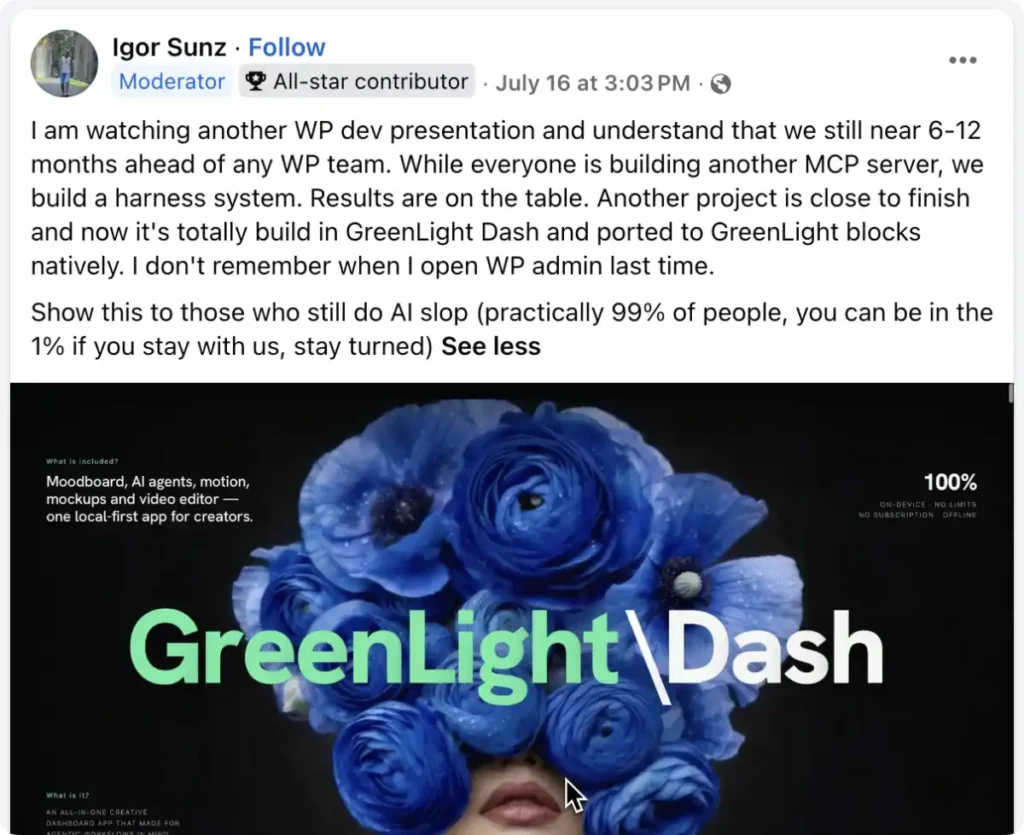
I would also love to see the GreenLight team pair their ambitious projects with a more approachable learning path. Imran from Web Squadron has made a similar point about developer-speak. Too many product pages, documentation sites and tutorials leave ordinary users with more questions than answers. The technology can be brilliant and the explanation can still need work.
CrocoBuilder joins the race
Crocoblock have now introduced CrocoBuilder, an AI-native WordPress frontend builder aimed at developers and agencies. Its pitch includes atomic DOM output, unified CSS controls, two-way CSS sync, theme templates, interactions, visibility conditions and AI-generated components built from HTML, CSS and JavaScript.
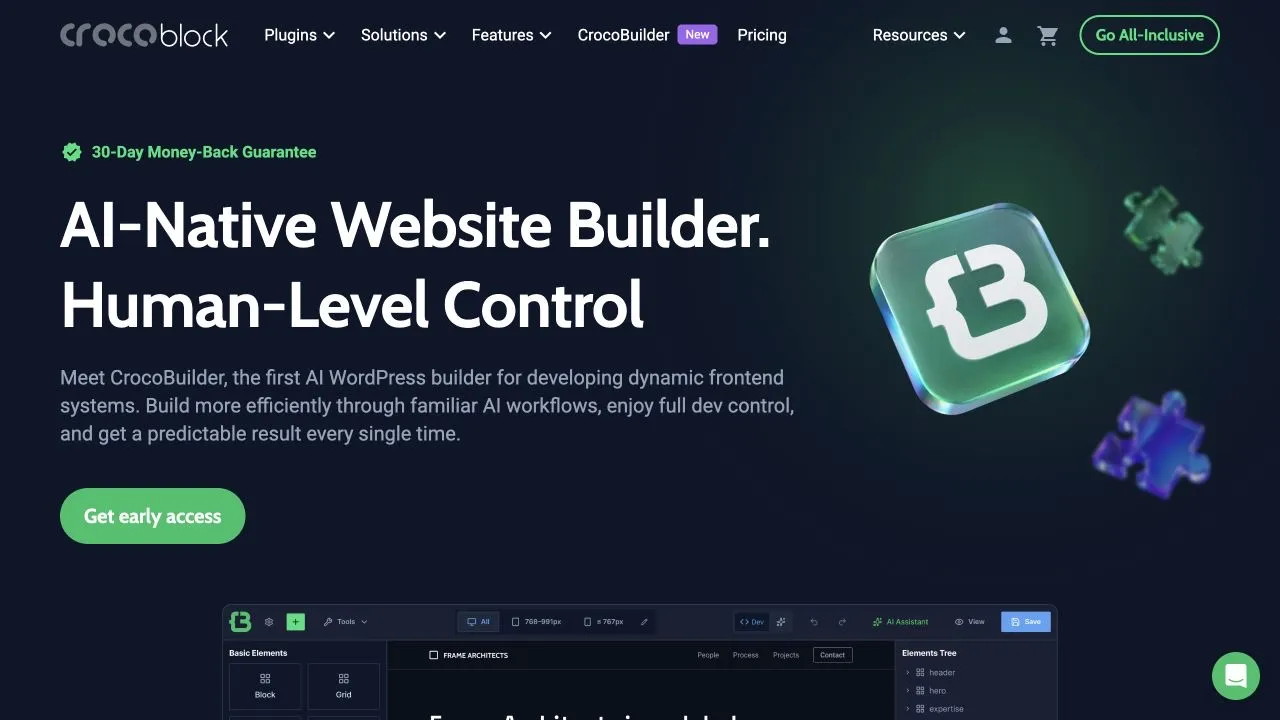
It is an ambitious list, and it places CrocoBuilder in the same broader conversation as Etch, Builderius, Bricks and GreenLight. I am particularly interested in whether its dynamic-data strengths and AI component workflow can remain approachable once real projects become complicated. That will be the test.
That is a wrap
This week was really about the gap between technical possibility and a good product experience. AI abilities are spreading across WordPress; Novamira has made connections easier, Bricks is tightening the relationship between code and visual controls, and CrocoBuilder has entered an already busy field. RightPlace and UEEE show Ryan Lee taking a broader swing at how agencies, clients and AI work together. Meanwhile, the debate over MCP efficiency is a useful reminder that strong claims deserve measurable evidence.
If any of this sparked a thought, especially about a new name for DBE 2.0, I would love to hear it. See you in the next one.
Comments
No comments yet — be the first.
Leave a comment
Replying to .
Thanks — your comment is in
It's awaiting moderation and will appear after it's approved and the site is rebuilt.