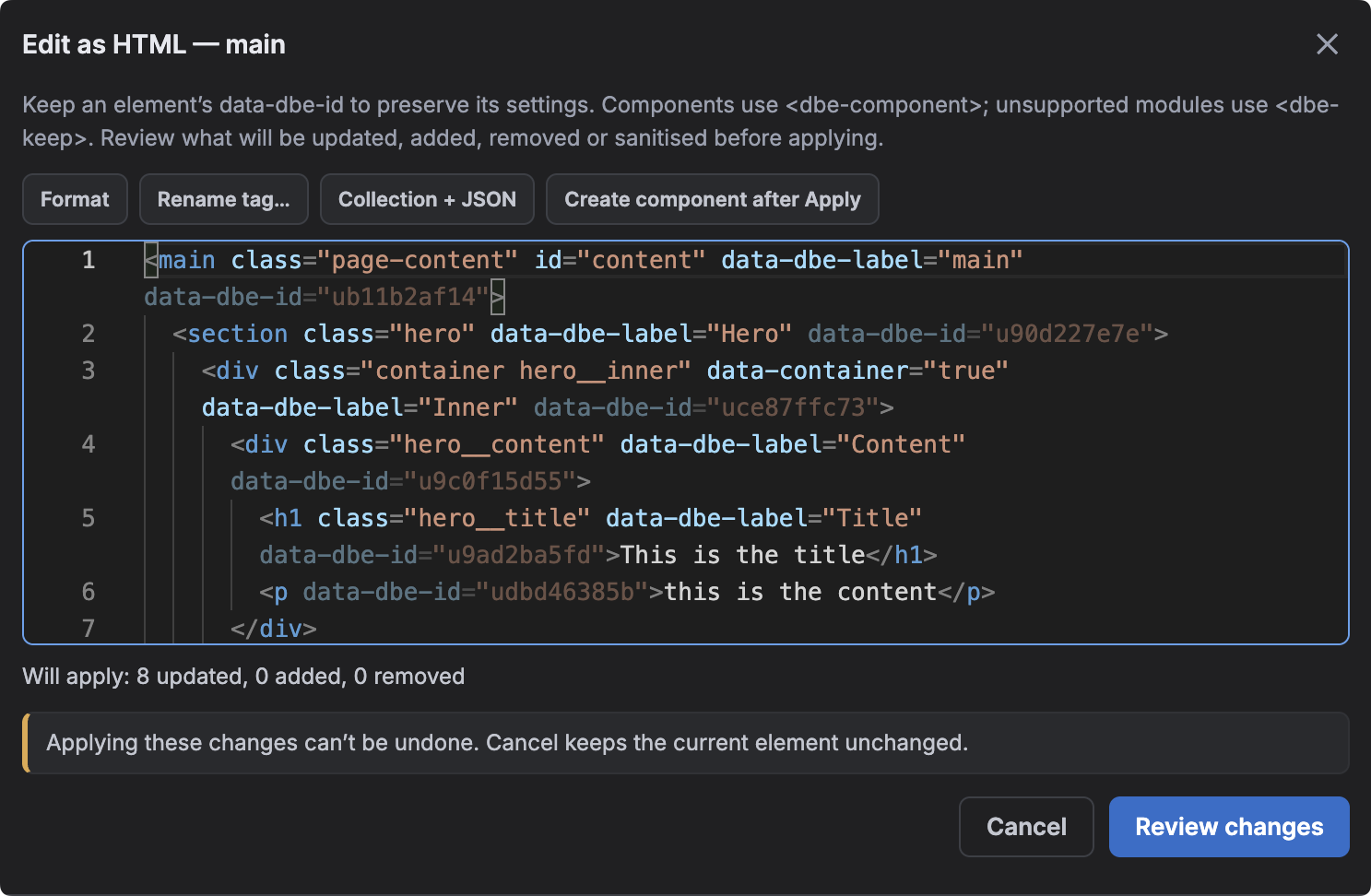
Edit as HTML opens the selected element and everything inside it as readable markup. You can make a structural change in one place, review the result, then apply it back to Builderius. This is an experimental DBE 2.0 feature and requires Builderius Pro.
How to use it
- Save your Builderius work before you begin.
- Right-click the element in the Navigator and choose Edit as HTML.
- Edit the markup. The editor can format it, close non-void tags, rename matching tag pairs and suggest tags, attributes, dynamic-data expressions, registered components and existing classes.
- Choose Review, check every updated, added, removed or sanitised item, then apply only when the preview matches what you intended.
What DBE preserves
DBE adds data-dbe-id markers so existing labels, conditions and other non-HTML settings can survive the round trip. Components are represented with <dbe-component>; unsupported modules use <dbe-keep> and remain unchanged. You can also turn a repeated pattern into a Collection, or hand an existing subtree to Builderius’s component creator after applying it.
Review before you apply
- Scripts, event-handler attributes, dangerous URLs and unknown elements are removed.
- Applying rewrites the selected element and its descendants in one step.
- The complete operation cannot be undone as one action, so treat the review as a real checkpoint.
What changed in 2.0.1
Named component instances now keep their own Navigator label when you apply an Edit as HTML change. In 2.0.0, the component could fall back to its registered name, or simply “Component”, after the round trip.